
DataTako for marketing agencies
Clients now expect to log in and see what's working — not wait for a monthly deck. DataTako turns the reports you already build into a branded, always-on portal. Deliver insight on demand, stand out from agencies still mailing PDFs, and skip paying Power BI Pro for every client viewer.
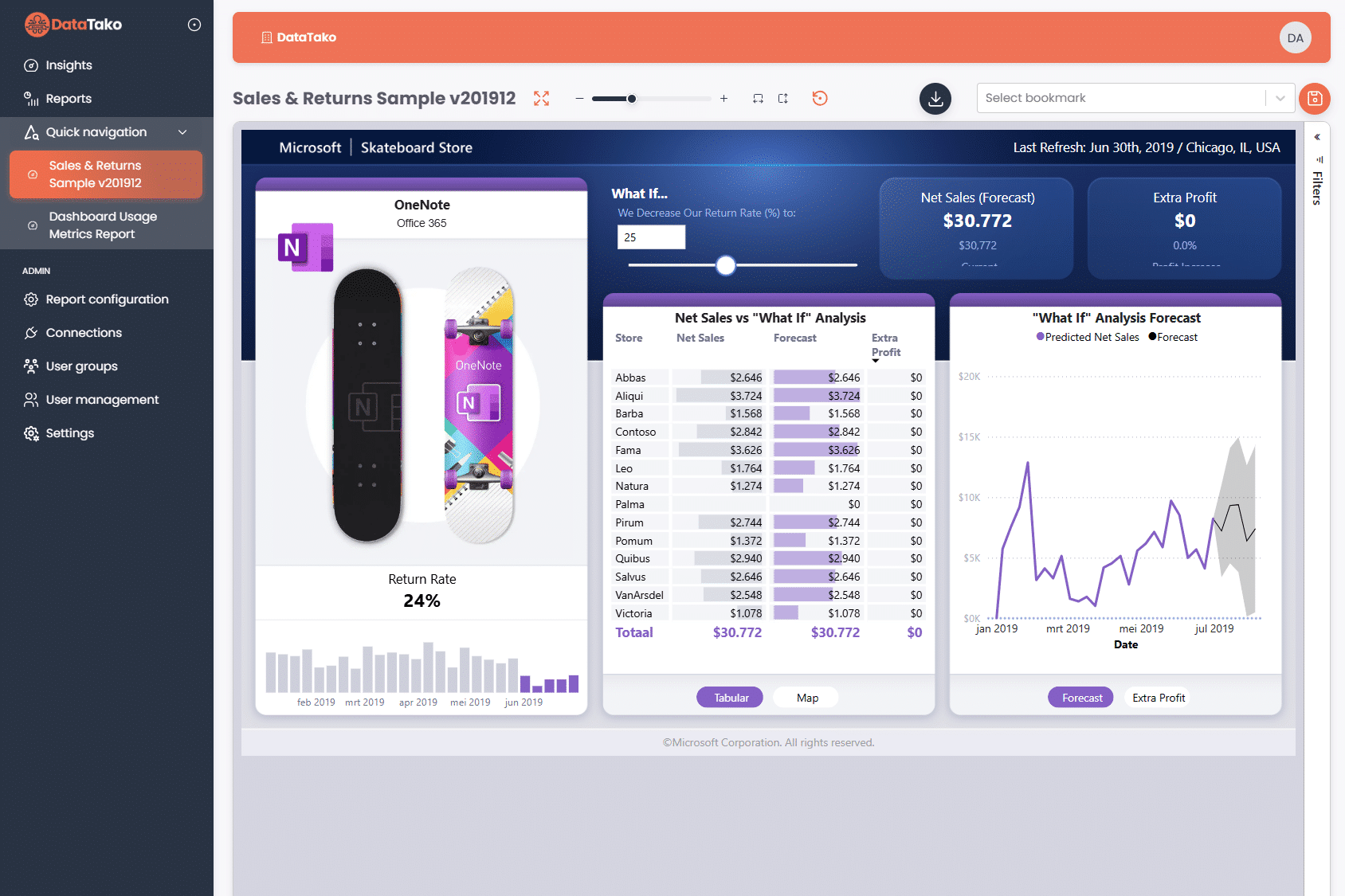
Clients expect modern access to their data. If you can't give it, a competitor will.
"What did we spend, what did it bring in, and what's next?" Clients log in and find out themselves — or they churn to an agency that offers that.
PDFs and screenshots are stale before the email lands and give clients zero self-service.
Buying Power BI Pro for every client contact breaks the unit economics the moment you grow past a handful of clients.
Keeping 20+ clients separate across workspaces, access lists, and reports doesn't scale with your headcount. A new client shouldn't mean a whole workspace rebuild.
DataTako turns the Power BI reports you already build into a scalable, branded client experience.
Your agency logo, domain, and colors — or fully white-labeled under each client's brand.
Share interactive Power BI reports with unlimited client viewers without buying Microsoft Pro licenses.
Every client gets their own isolated portal, users, configuration, and branding — all managed from a single workspace.
See which clients actually engage with reports, which pages they view, and when. Prove value and spot disengaged accounts before they churn.
Reports update automatically. Your clients always see the latest data without manual intervention.
Clients can access their dashboards from any device — desktop, tablet, or mobile.
Real workflows, real retention, real differentiation.
01
Hand prospects a live dashboard in week 1. "Our reporting portal" becomes the differentiator in every pitch — and a retention feature after they sign.
02
Upload your existing campaign report, spin up the client's sub-org, invite their users. Live the same day — no workspace rebuild required.
03
Sub-orgs turn every new client into a few clicks. Grow headcount on agency work, not on report infrastructure.
✗
Clients wait for a monthly recap
✗
Emailing PDF exports every week
✗
Pro license per client viewer
✗
Generic Power BI URL that doesn't match your brand
✗
No idea which clients actually engage
✓
Clients log in any time and see live performance
✓
Self-service portal — always up to date
✓
Zero client-side licensing
✓
Branded portal on your (or their) domain
✓
Usage analytics per client, per report
Your clients data is protected at every level.
Each client only sees their own data, enforced at the Power BI dataset level.
Built on Microsoft Azure with enterprise-grade uptime and reliability.
Granular permissions let you control exactly who sees what, down to the report level.
SSO support and secure login flows keep your client accounts protected.
See how DataTako helps marketing agencies scale client reporting from five clients to fifty through a secure, branded portal.
Common questions from marketing agencies exploring DataTako.
No — DataTako doesn't build reports. You already do that. DataTako takes the Power BI dashboards you've already built (GA4, Meta, LinkedIn, HubSpot, CRM, spreadsheets — whatever) and delivers them to your clients through a secure, branded portal. Your reporting work; our distribution layer.
Instead of a PDF in their inbox or a generic Power BI URL, clients log in to a portal with your agency's logo, colors, and domain. They filter by campaign, drill into channels, and export the slice they need themselves. It feels like your product because it is.
Each client gets their own sub-organisation — an isolated environment with their users, their branding (or yours), and their data. Row-level security guarantees Client A never sees Client B's numbers, even if both live in the same Power BI workspace.
No — that's the whole point. Your clients log into DataTako's portal and view interactive Power BI reports without Microsoft accounts or Pro licenses. You pay for the platform once, your clients pay nothing, and your unit economics finally work as you grow.
Yes. DataTako tracks which clients log in, which reports they view, and how often. Use it to prove ROI on active accounts, spot disengaged clients before renewal, and turn your reporting from a cost line into a retention tool.