
Somewhere around the time a SaaS team decides they need real analytics in their product, the same debate plays out: do we build it ourselves, or do we embed Power BI? Both sides have champions. Both sides have horror stories. And both decisions can be right or catastrophically wrong, depending on context.
This guide is the comparison nobody else writes honestly. We'll cover what Power BI Embedded gives you out of the box, what custom-built dashboards give you that Embedded doesn't, the realistic cost and time-to-live for each, the right reasons to pick each path, and the wrong reasons people pick the wrong one. By the end you'll know which side of the line your project sits on.
TL;DR — pick custom-built only if you have a specific reason
What Power BI Embedded gives you out of the box
Most teams underestimate just how much functionality Power BI Embedded brings before you write a line of code:
This isn't a vendor pitch; it's a budget reality. Each of these is months of engineering work if you build it yourself. Cumulatively, the rebuild cost is genuinely tens of engineer-years.
What custom-built dashboards give you that Power BI Embedded doesn't
That said, custom-built isn't always wrong. Here's what you actually gain:
1. Visualisation types Power BI can't render
Network graphs (force-directed), Sankey diagrams beyond basic ones, custom map projections, real-time streaming charts with sub-second updates, scientific visualisations (3D molecular structures, geospatial heatmaps with custom layers). Power BI's library is broad but not infinite. If your product depends on a visualisation type Power BI can't render natively or via the custom visuals marketplace, custom-build that specific component.
2. Pixel-level UX integration with your product
If your analytics needs to live inside a specific screen of your app — for example, a small chart inside a customer detail view, where the chart shares state with the surrounding UI (clicking on a row in the customer list filters the chart, clicking on a bar in the chart highlights rows in the list) — Power BI Embedded becomes friction. The Power BI report sits in an iframe-like boundary. Cross-component state management gets ugly.
For these embedded-inside-feature scenarios, a custom chart built in React (with a library like Recharts or Visx) talking to the same data source is often the right call. Note: this is different from most "embedded analytics" — most embedded analytics is a separate dashboard area in the product, not a chart inside a non-analytics screen.
3. Analytics IS the product
If your product's entire value proposition is "we visualise X data in a unique way" (think Mixpanel, Amplitude, Heap, Stripe Sigma), the analytics IS the product. You want full control over the rendering, the interactions, the export format, the URL structure, the realtime behaviour. Power BI Embedded is a non-starter. You'd be building a worse version of a competitor with someone else's renderer.
If analytics is just a feature of your product (an HR SaaS that needs workforce dashboards; an e-commerce platform that needs sales dashboards; an agency that needs client reports), Power BI Embedded is almost certainly the right choice.
4. Realtime / sub-second update requirements
Power BI's "realtime" capability via Push Datasets is real but it has latency on the order of 1-5 seconds. If you need sub-second updates (live trading dashboards, sports analytics during a game, IoT command-and-control), the architecture is wrong — you want a custom-built solution streaming over WebSockets. Power BI Embedded fits "near-realtime" (refresh every 1-15 minutes) cleanly.
5. Strict offline / air-gapped requirements
Power BI Embedded requires an outbound connection to Microsoft's services to render. If your end users work in environments without internet (utility-grid control rooms, military bases, certain healthcare facilities), Power BI Embedded won't work and you need a custom solution. Rare, but real.
The cost comparison most people get wrong
Custom-built dashboards look cheap at first. "We already have a frontend team, they can just build a chart." Here's the actual cost arithmetic for a production-grade implementation, based on real numbers from teams that have done it:
Power BI Embedded approach
Custom-built dashboards approach
For most teams the math is clear: Power BI Embedded is 3-10× cheaper to launch and ~10× cheaper to maintain. The only times custom-built wins on cost are when (a) analytics is your core product and the engineering investment is your product, or (b) you literally cannot use Power BI for technical or compliance reasons.
The hybrid approach: Power BI Embedded + a few custom components
This is the answer most teams converge on after a year:
This hybrid approach gets you 90% of the speed of pure Power BI Embedded with the 10% of UX flexibility custom-built brings. It's also the approach Microsoft itself recommends — for years they've shipped Power BI alongside their own custom analytics components in the Azure portal.
White-label considerations
One of the most common reasons people give for "we need custom-built" is "we want full branding control." This is almost always solvable without going custom:
If branding is the only reason you're considering custom-built, build a white-label portal on top of Power BI Embedded instead. You'll save 80% of the engineering cost.
Decision matrix — which is right for you?
Walk through these in order:
For 80% of B2B SaaS, agencies, and consultancies, the answer comes out: Power BI Embedded, optionally paired with a white-label platform. For specific niches — analytics products, embedded-inside-UI scenarios, realtime trading — custom-built or hybrid is the right call.
The lazy-evaluation strategy that always works
If you're genuinely on the fence, here's the heuristic that's never failed us: ship the v1 on Power BI Embedded. If after 6 months of real users you're consistently hitting specific limits, custom-build those specific pieces.
Frequently asked questions
Power BI Embedded vs custom-built — which is cheaper?
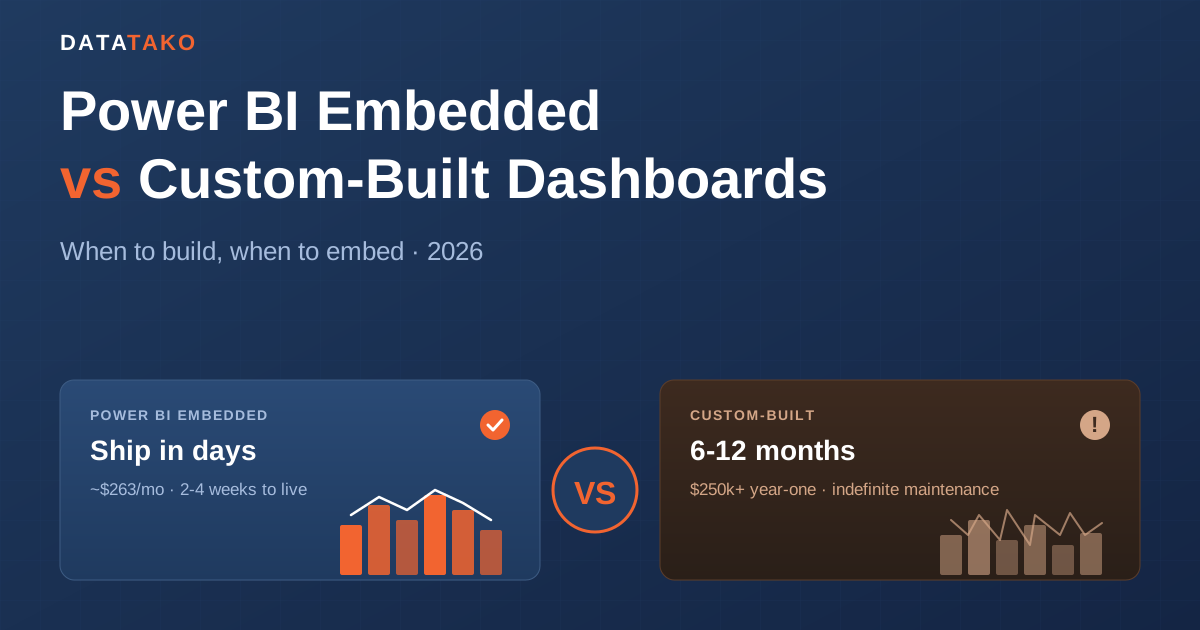
Power BI Embedded is dramatically cheaper for almost every use case. A Fabric F2 capacity (~$263/month) plus 2-4 weeks of implementation gets you to production. A custom-built equivalent typically requires 6-12 months of engineering plus indefinite maintenance, totalling $250k+ in the first year vs ~$40-80k for Power BI Embedded. Custom-built wins on cost only when the analytics is your core product or when you have specific technical constraints Power BI can't meet.
Can I get a custom look-and-feel with Power BI Embedded?
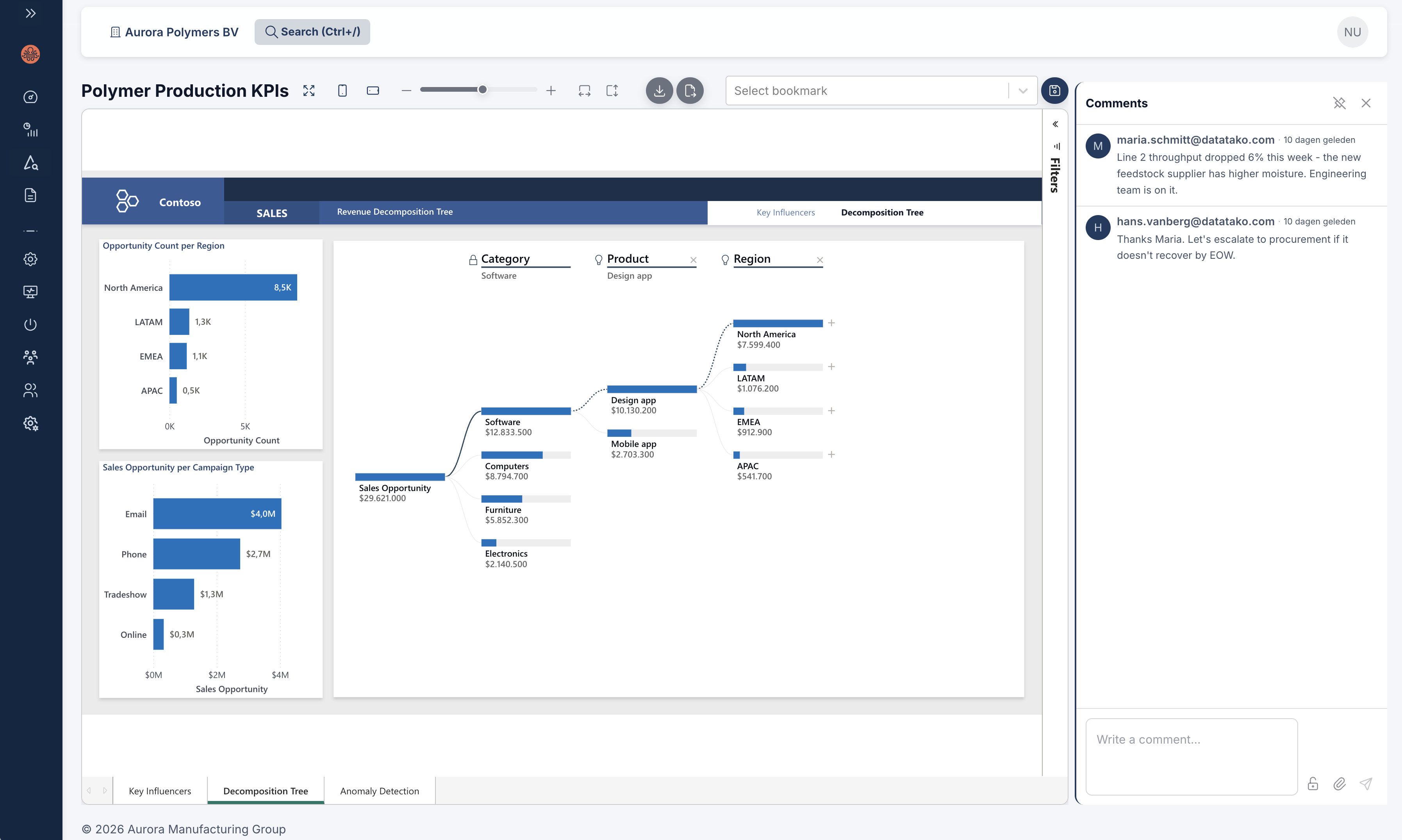
Yes — via a combination of Power BI's theme JSON (controls visual colours, fonts, padding), custom domain hosting of your portal, hidden chrome via the embedded JS SDK settings, and your own branding around the embed area. White-label platforms like DataTako bake all of this together so you configure branding once.
What's "embeddable BI" and how does it relate to Power BI Embedded?
"Embeddable BI" is the generic category — any business-intelligence solution that can be embedded inside another application. Power BI Embedded is Microsoft's product in that category. Other vendors (Sisense, Sigma, Domo, Looker Embedded, Tableau Embedded) also offer embeddable BI. The same architectural decisions apply across all of them.
When should I custom-build instead of using Power BI Embedded?
Custom-build when: analytics is your core product differentiator (not a feature), you need visualisations Power BI can't render, you need sub-second realtime, you have air-gapped/offline requirements, or you need pixel-perfect integration of small charts inside other product features. For almost everything else (dashboards, client reports, KPI views, exec analytics), Power BI Embedded is faster and cheaper.
Can I mix Power BI Embedded and custom-built?
Yes — the hybrid approach. Power BI Embedded handles all dashboard-shaped content; custom React components handle inline charts inside other product features or the specific visuals Power BI can't render. Both can pull from the same data source. This is the pattern most mature SaaS teams converge on.
What about white-label embedded BI?
White-label embedded BI is Power BI Embedded with the Microsoft branding removed and your branding applied — your domain, your logo, your colours. Achievable via DIY embedding with the Power BI Embedded JS SDK or via no-code white-label platforms like DataTako. See our 2026 white-label sharing guide for the full comparison.
How long does it take to build Power BI Embedded vs custom-built?
Power BI Embedded: 2-4 weeks for a first production implementation (datasets, RLS, embed layer, portal UI). Custom-built: 6-12 months minimum for a feature-comparable v1, plus ongoing maintenance. No-code platforms like DataTako bring Power BI Embedded down to hours-to-days.
Does Power BI Embedded scale to thousands of tenants?
Yes. A single dataset with dynamic RLS routinely serves hundreds to thousands of tenants in production. The scaling bottleneck is usually data volume per tenant (and consequently dataset size) rather than tenant count. See our multi-tenant RLS guide.
What's the maintenance burden of custom-built dashboards?
Higher than people expect. Browser API changes, library updates with breaking changes, accessibility audits, performance regressions on new visual requests, security patches, mobile responsiveness updates — these consume 30-50% of an engineer's time indefinitely once you ship. Power BI's equivalent maintenance is handled by Microsoft.
Can I migrate from custom-built to Power BI Embedded later?
Yes, and many teams do. The path is usually: rebuild the dashboard logic in Power BI (matching the visuals as closely as possible), wire up RLS to your existing tenant data, replace the frontend with the Power BI Embedded JS SDK render. Typical migration takes 2-3 months for a moderate-complexity custom-built setup. Often pays for itself in saved ongoing engineering cost within 6 months.
Is there a no-code path to Power BI Embedded?
Yes. No-code white-label platforms like DataTako handle the embedding, authentication, RLS configuration, and branded portal. You configure rather than code. Best fit for teams that don't have engineering bandwidth to build the embedding layer themselves.
The bottom line
The number of teams that should custom-build analytics from scratch in 2026 is small. The number of teams that do is larger — usually because someone underestimated what Power BI Embedded brings and overestimated how much custom-built would deliver in practice.
Start with Power BI Embedded. Ship. Get real users seeing real data. Build custom components only where actual measured limits force you to. You'll save months of speculative engineering and ship a better product faster.
If the implementation layer is the friction (token generation, RLS mapping, branded portal, multi-tenant onboarding), the no-code path closes that gap. Start a free DataTako trial on your existing Power BI workspace, or book a 30-minute walkthrough to see embedded vs custom side-by-side on your data.